

7 Step Google Business Profile Audit for Local Owners, Evidence Tagged
10/05/2026
Marketing Strategy
Use this evidence-backed Google Business Profile audit to uncover costly listing errors, prioritize fixes, protect compliance, and strengthen your local search visibility.
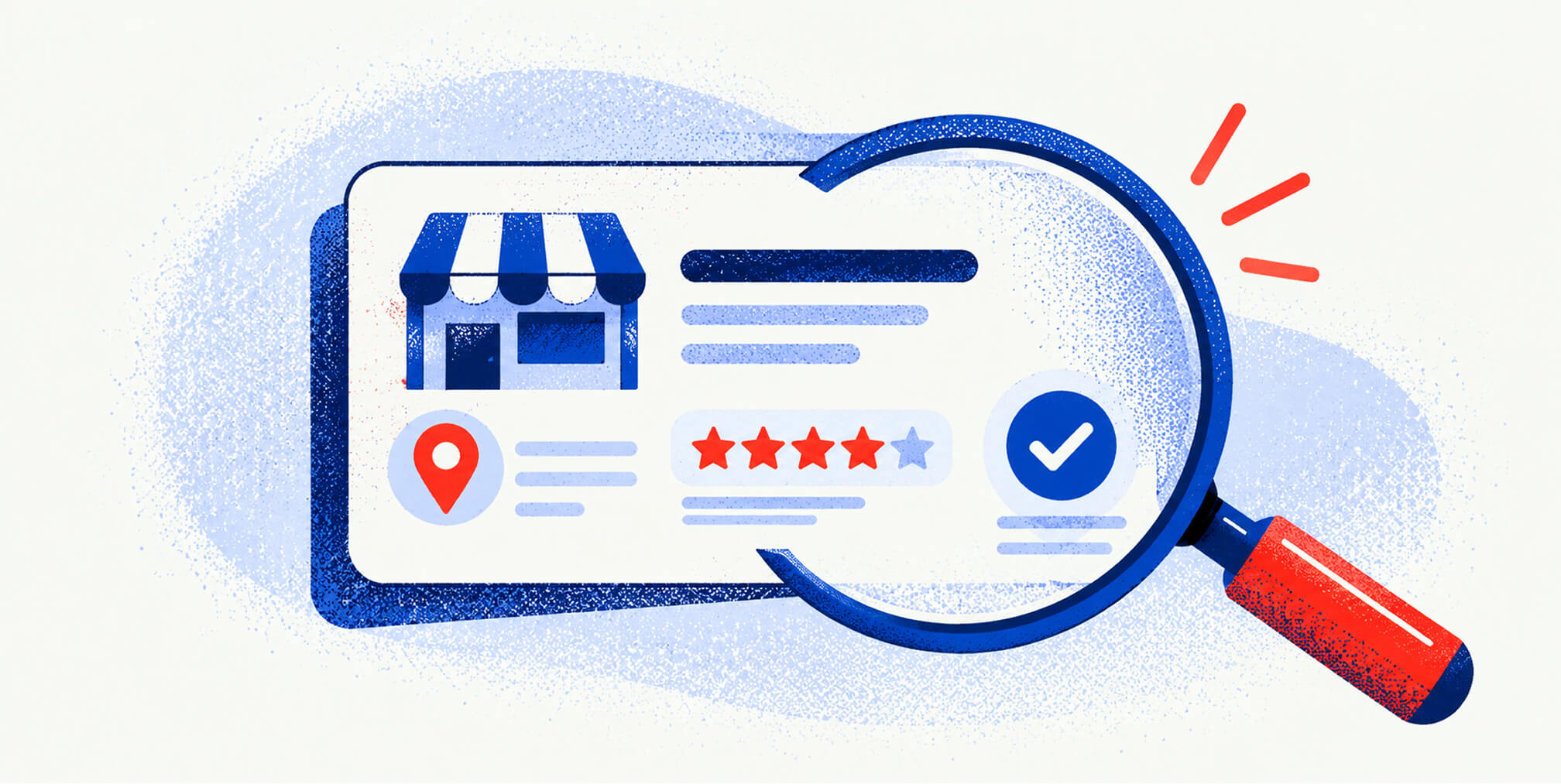
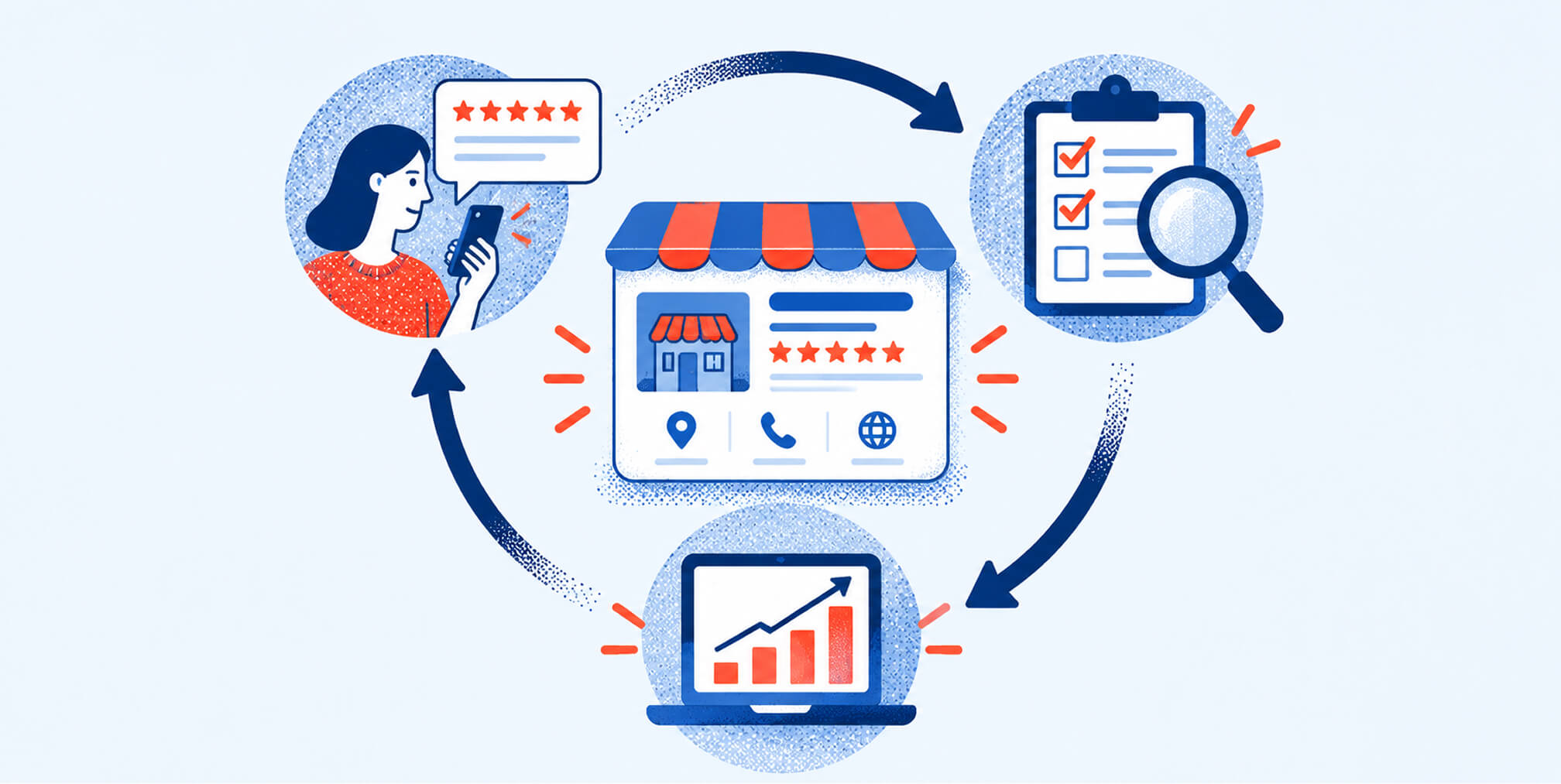
A Google Business Profile audit checks verification status, core data accuracy, category selection, reviews, media, posts, and policy compliance, then produces a prioritized fixes list tagged by severity and evidence source.
.png)


Google Business Profile audit
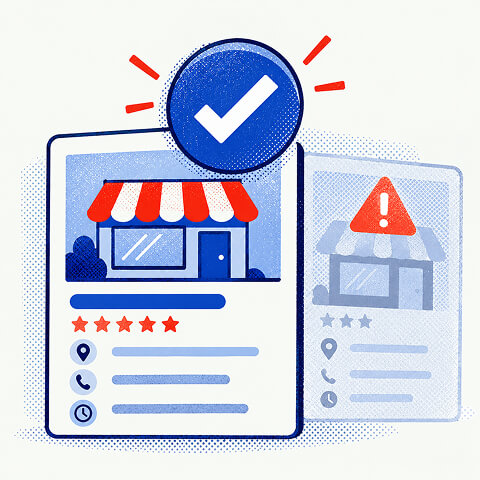

The deliverable includes an audit date and a confidence level for each finding, since public-data checks and owner-authorized checks reveal different amounts of detail. Owner access unlocks structured fields and review management data that a public scan cannot see, which changes how deep the diagnosis can go.
- Profiles with incorrect or inconsistent business name, address, or phone number increase suspension risk and should be corrected to match real-world signage and records.
- Setting the correct business category, especially defining a primary category accurately, is essential for relevance and improves local search visibility.
- Responding promptly to unanswered reviews and addressing specific complaints can improve reputation signals and influence profile ranking over time.
- Regularly updating photos to meet Google's quality and format standards, removing embedded phone numbers from posts, and maintaining current profile features enhances credibility and compliance.
- Ongoing monitoring of reviews, media, and profile data along with quarterly audits help sustain profile health, track performance, and prevent drifting or outdated information.
Google Business Profile audit checklist for local owners
A usable audit checklist covers eight areas, each producing a finding you can label, prioritize, and act on.
- Ownership and verification state: confirm whether the profile is unverified, verified, pending review, published with updates, or suspended, and note the remediation path for each state.
- Core data reconciliation: match business name, phone number, address or service area, hours, and website against the live site and real-world signage.
- Category selection: check that the profile uses the fewest, most specific categories available, since Google's guidelines recommend categories that complete the statement "this business is," not a list of services.
- Reviews: log rating trends, unanswered reviews, reply quality, and timestamps to spot response gaps and recurring complaints.
- Media: inventory exterior, interior, product, and at-work photos against Google's photo guidance for category-specific coverage and format compliance.
- Posts and CTAs: scan recent posts for policy violations, especially phone numbers embedded in post text instead of the profile's designated call button.
- Profile features: verify that products, booking links, and attributes are current and match what the business actually offers.
- Evidence tags: mark every finding as public-data or owner-data, attach the audit date, and assign a confidence level so nobody mistakes a surface scan for a full diagnosis.
This checklist works as a spreadsheet template for solo owners or a brief you hand to a contractor. The Brand Audit Checklist & Template offers a ready-made version with forty checks if you want a starting structure instead of building one from scratch.
For businesses managing multiple locations, reconciling NAP data across a local presence audit tends to catch inconsistencies a single-listing review misses.
Running the audit step by step
Treat the audit as a sequence, not a checklist you complete in random order. Each step feeds evidence into the next, and skipping the access confirmation step is the most common reason audits produce false confidence.
- Confirm your access level. Determine whether you have owner or manager rights in the profile dashboard; without that access, label every finding as public-data-only.
- Snapshot the profile. Screenshot the listing as it appears publicly, export any available fields, and record the audit date alongside your data source for each item.
- Work the core checklist in order. Start with verification state, then NAP accuracy, then categories, then hours and website, since errors here compound into every later finding.
- Pull and review the reviews. Document unanswered reviews, reply gaps, and any repeated complaint themes that suggest an operational issue rather than a one-off.
- Catalogue media and policy issues. Note which recommended photo types are missing per Google's category-specific guidance and flag any post that violates content policy.
- Produce a prioritized fix list. Rank each item by severity, estimate the effort to fix it, and attach the evidence and confidence tags from step one.
- Schedule a follow-up audit. Set a recheck date so fixes get verified and new issues get caught before they compound.
Pro Tip: Keep a single running document with the audit date, access level, and evidence source for every finding: it turns a one-time scan into a defensible record if you ever need to contest a suspension.
Free Brand Health Audit
Make sure your brand is built to sell
Search has changed. Your customers aren't just Googling anymore. They're asking ChatGPT, Perplexity, Gemini and other AI platforms what to buy, who to trust and which brands they should consider.
If your brand isn't showing up clearly in those answers, you're already losing opportunities. Our free Brand Health Audit shows you where your brand stands across traditional search, AI search and brand positioning.

Sample brand audit
Live preview
Traditional search
72
AI search (GEO)
34
Brand positioning
58
Common findings and how to fix them
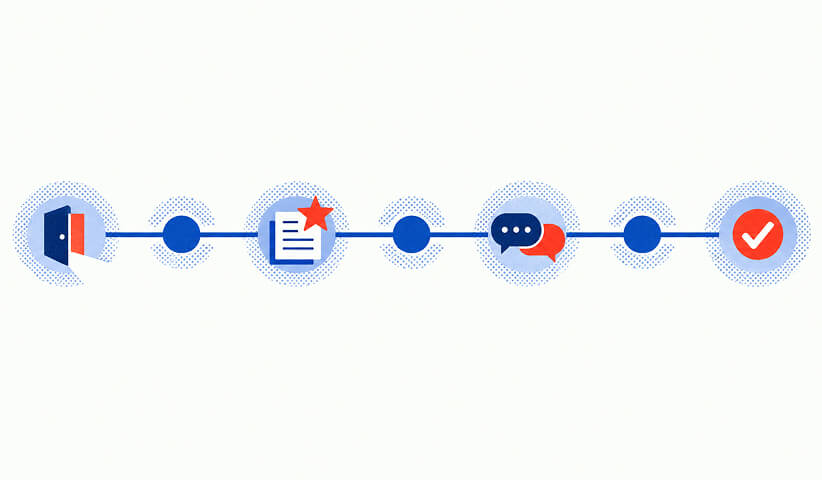
Most audits surface the same handful of problems, and most of them are fixable in under an hour once you know what to change.
- Business name violations: restore the name to match real-world signage and legal documents; Google's guidelines treat name inaccuracies as a suspension risk, not a cosmetic issue.
- Address or service-area misconfiguration: switch to a service-area setting if the business doesn't serve walk-in customers at a fixed address, or correct the storefront address if it does.
- Overbroad categories: pick one primary category that states what the business is, then move additional offerings into service items or attributes instead of stacking categories.
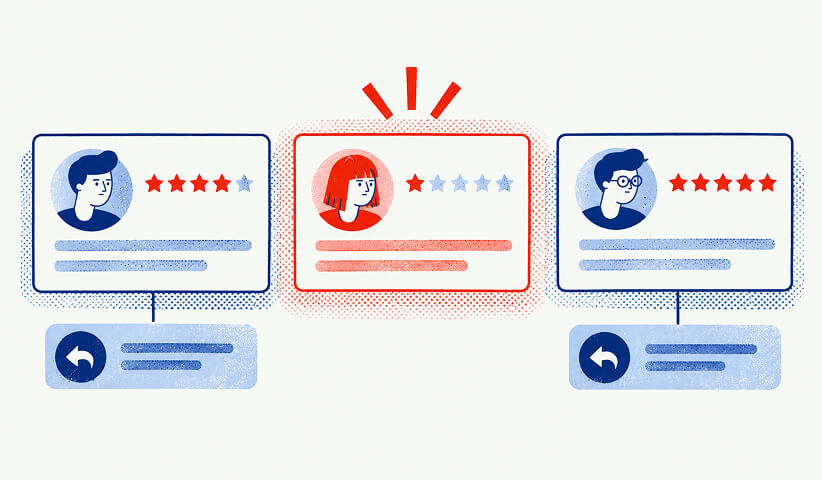
- Review reply gaps: respond to unanswered reviews within a few days, keep the tone factual and courteous, and address specific complaints rather than posting a generic thank-you.
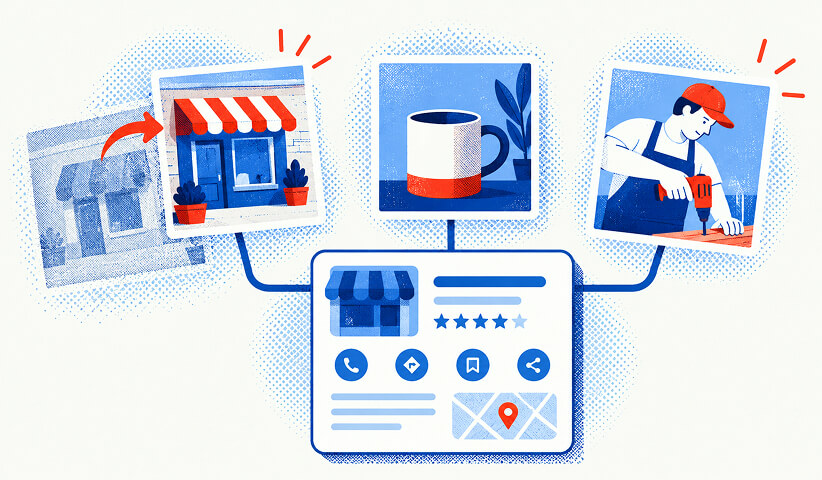
- Policy-violating or thin photos: replace outdated or low-quality images with category-specific exterior, interior, product, and at-work photos that meet Google's format and content standards.
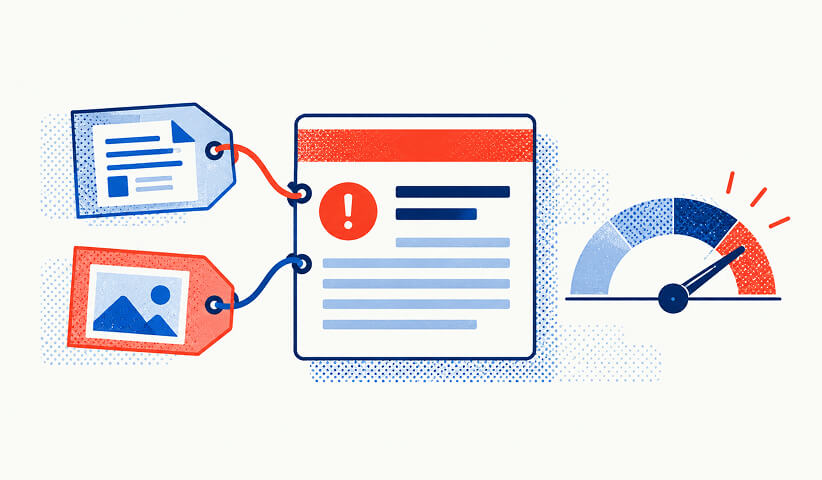
- Phone stuffing in posts: remove any post that embeds a phone number in the body text and use the profile's supported call-to-action fields instead, per Google's posting guidelines.
- Suspected suspension: document every piece of evidence supporting compliance, correct the underlying policy breach first, then submit a reinstatement request rather than resubmitting the same listing unchanged.
Measuring results after the fixes go live
Fixing findings only matters if you can see whether they moved the needle. Track profile completeness and optimization score at each audit date so you have a baseline to compare against.
- Review metrics: monitor review volume, average rating, and reply rate on a weekly basis after the audit.
- Insights data: check search queries, map views, and customer actions in the profile's Insights panel for behavioral shifts.
- Local visibility: record any local-pack appearances you can observe and website referral clicks tied to the profile.
- Audit cadence: recheck immediately after applying fixes, monitor reviews weekly, and run a full audit quarterly.
- Evidence log: keep screenshots and change notes for every update, since this record supports reinstatement requests and performance analysis later.
According to Google's own explanation of local ranking, relevance, distance, and prominence are the main signals, and distance is fixed by the searcher's location. A fully optimized profile improves relevance and prominence signals, but it does not override distance, so treat ranking movement as one signal among several rather than the only proof the audit worked.
What audit fixes look like in practice
A service-area business that discovers its listing is set to a fixed storefront address when it never serves walk-in customers typically sees an immediate correction in how it appears for nearby searches once the setting matches reality. A restaurant with three unanswered one-star reviews sitting untouched for months faces a different problem: the fix isn't deleting the reviews but responding to the specific complaints, which changes how the profile reads to anyone comparing options. A contractor with six overlapping categories stacked to capture every possible search term often finds that narrowing to one precise primary category, with the rest handled through service items, clarifies rather than shrinks the listing's relevance. In each case, the audit's value comes from separating what's broken from what merely looks incomplete, then fixing the items that carry compliance risk before chasing cosmetic improvements. The Brand Audit Checklist & Template works well here as a way to document before-and-after states across these scenarios without relying on memory or guesswork.
Want to learn more about Google Business Audit? Keep reading!
If you need help with your company's attraction, contact us for a free custom quote.
Tools and software for conducting the audit
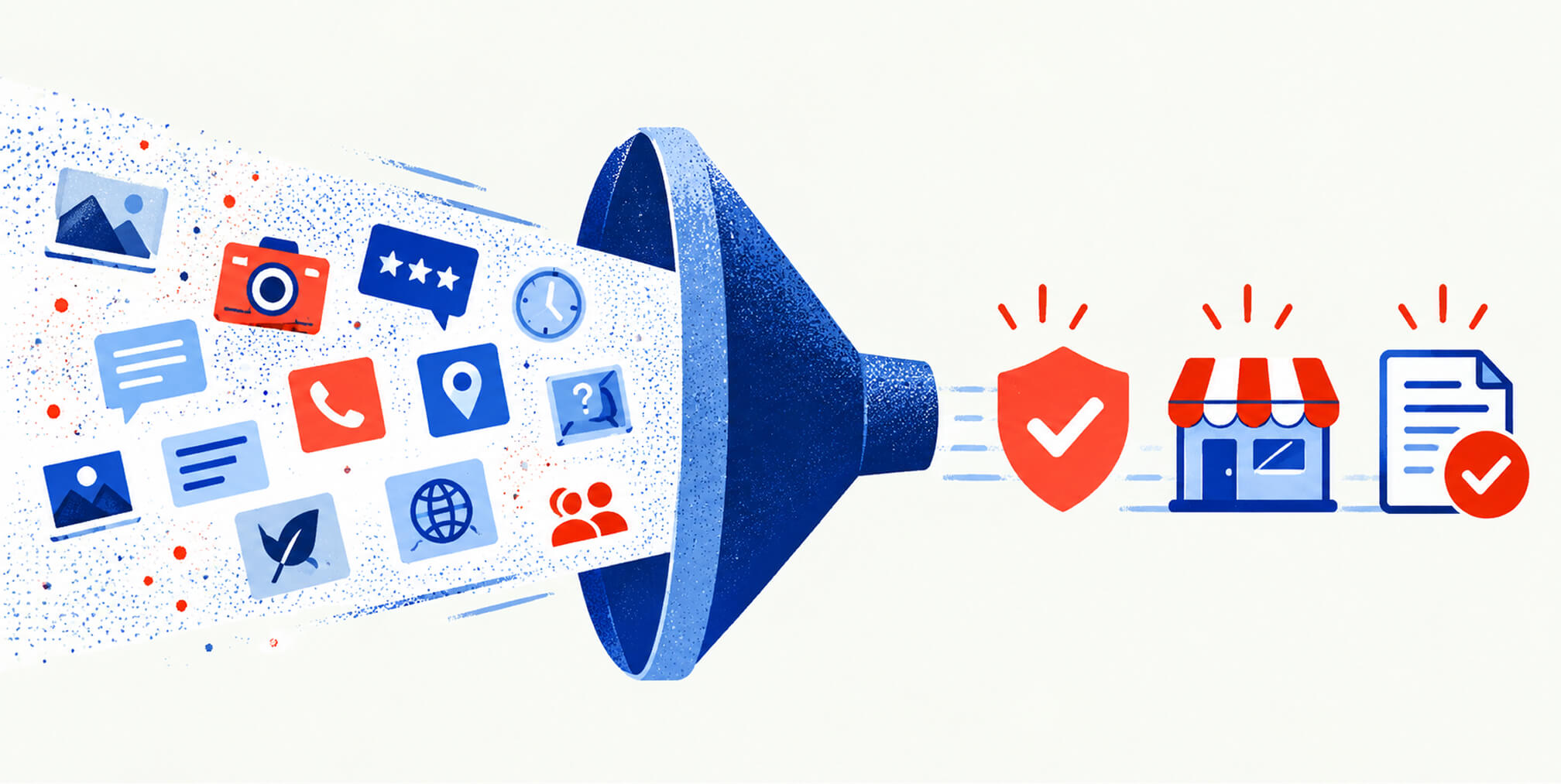
A Google Business Profile audit doesn't require specialized software for the public-data layer: the Google Business Profile dashboard itself, Google Search, and Google Maps cover verification checks, NAP reconciliation, and review reading. For owner-authorized depth, the Location resource in Google's Business Profile APIs documents the structured fields, including name, phone numbers, storefront address, website URI, regular hours, and service items, that a technical audit can pull directly rather than reading off the public page. Review-specific audits benefit from Google's review data API, which supports listing and batch-retrieving reviews and managing replies programmatically when you have authorization. For owners who want a broader diagnostic that places the Google Business Profile findings alongside website, social, and reputation signals, structured tools add context that a listing-only check can't provide on its own. Spreadsheet templates remain the simplest way to track findings across any of these sources, since the goal is a consistent record, not a specific piece of software.
Keeping the profile healthy between audits
A one-time audit fixes what's broken today, but profiles drift: reviews accumulate, hours change seasonally, and competitors' listings shift what counts as competitive media. Set a recheck immediately after any major fix to confirm it held, then keep a weekly habit of scanning new reviews and replying within a few days rather than letting a backlog form. Quarterly full audits catch the slower-moving issues, category creep, outdated photos, stale posts, that don't announce themselves the way a bad review does. Treat verification status as something to reconfirm periodically too, since profiles can shift to a pending or suspended state without an obvious trigger. The evidence log from each audit cycle becomes more valuable over time, since it lets you compare optimization scores across quarters and see whether specific fixes correlate with better Insights data. Consistency in the monitoring habit tends to matter more than any single audit's thoroughness.
How an evidence-backed audit adds depth
Public-data audits are limited to what's visible on the live listing, which is useful but incomplete: they can't confirm ownership status, read structured fields, or see reply history the way an owner-authorized check can. That distinction is why evidence and confidence tagging matter: a finding based on a public snapshot deserves a different confidence level than one confirmed through owner access. The Brand Health Audit applies this same evidence-first approach across a business's broader public presence, not just its Google listing, evaluating website, social profiles, and reviews to show how consistently a brand communicates. It scores over a dozen categories, including messaging accuracy and SEO visibility, to separate genuine strengths from areas needing work. The initial scan runs on public data with no sales call or credit card required, per how the audit works.
When a full audit makes more sense than a free scan
A free scan tells you what's visible from the outside. The Full twelve-category audit goes further with strategist review and a prioritized implementation plan built around your specific findings, not a generic checklist.
- Twelve-category depth covering messaging, SEO, reputation, and more beyond the Google listing alone.
- Strategist review that turns raw findings into a sequenced implementation plan.
- Clearer evidence for reinstatement requests and better-documented fixes, without promising a specific ranking outcome.
The full audit runs $99 one-off, or you can compare ongoing plans on the pricing page if you want continuous monitoring instead of a single report.
Where to verify the policy details yourself
For the exact rules behind category selection, name accuracy, and verification states, consult Google's business representation guidelines and verification help page directly, since policy details change.
Sources
- Guidelines for representing your business on Google - Google Business Profile Help
- REST Resource: locations | Google Business Profile APIs | Google for Developers
- Tips for business-specific photos on your Business Profile - Google Business Profile Help
FAQ
How do you do a Google Business Profile audit?
Start by confirming your access level and verification status, then reconcile your name, address, phone number, hours, and website against the live listing. Work through categories, reviews, media, and posts in order, and finish with a prioritized fix list tagged by severity and evidence source.
Does Google audit business profiles?
Google doesn't publish a formal audit service for individual businesses, but it does review profiles for policy compliance and can suspend listings that violate its guidelines on naming, categories, or duplicate entries. Business owners and agencies typically run their own audits using public data or owner-authorized access to catch these issues first.
How does Google verify a business profile?
Google verifies ownership through methods like a postcard, phone call, email, or video verification, depending on the business type and location, as described in Google's verification guide. Until verification completes, some profile edits may not display publicly.
Does reporting a Google review remove it?
Reporting a review flags it for Google's review team, but removal only happens if the review violates Google's content policies, such as containing spam or fake content. Reporting alone doesn't guarantee removal, and legitimate negative reviews typically stay regardless of how many times they're reported.
Recommended
- Local presence audit: Google Business Profile, NAP and location pages
- Brand Audit Checklist & Template (Free, 40 Checks)
- SEO visibility audit: discoverability of your brand language
- Social presence audit: channel coverage and message alignment

Quincy Samycia
As entrepreneurs, they’ve built and scaled their own ventures from zero to millions. They’ve been in the trenches, navigating the chaos of high-growth phases, making the hard calls, and learning firsthand what actually moves the needle. That’s what makes us different—we don’t just “consult,” we know what it takes because we’ve done it ourselves.
Want to learn more about brand platform?
If you need help with your companies brand strategy and identity, contact us for a free custom quote.
We do great work. And get great results.
+2.3xIncrease in revenue YoY
+126%Increase in repurchase rate YoY




+93%Revenue growth in first 90 days
+144% Increase in attributed revenue




+91%Increase in conversion rate
+46%Increase in AOV




+200%Increase in conversion rate
+688%Increase in attributed revenue







