Webflow vs WordPress: Which Platform Fits a Growth-Stage Company?
11/20/2026
Web Development
Choose the platform that helps your team launch faster and convert more visitors with a practical Webflow vs WordPress comparison of design, SEO, cost and long-term ownership.

For a growth-stage company whose website has to carry brand, SEO and conversion at once, Webflow is the stronger default. It puts design, CMS, hosting and security in one visual platform, so marketing ships pages without waiting in a developer queue. WordPress is open software that powers a huge share of the web, and it rewards teams that want to assemble and maintain their own stack. This guide shows how the two compare on cost, SEO, design control, ownership and scale, where HubSpot CMS fits, and how to decide.


The core difference in one paragraph


We build sites on Webflow for ambitious startups, VC-backed SaaS companies and established brands, so we write from the seat of the person who has to launch, measure and improve a site.
Webflow describes itself as a platform for teams to build, manage and grow websites in one place. WordPress started in 2003 and is built on PHP and MariaDB under the GPLv2 license, with a mission centered on democratizing publishing. One is a product that bundles design, CMS and hosting. The other is a software foundation you extend with themes, plugins and hosting of your choice.
Both work. The difference is where the effort lands. With Webflow, the effort goes into design, content and conversion. With WordPress, a meaningful share goes into choosing, connecting, updating and securing the parts.
Who each platform is built for
WordPress is used for everything from simple sites and blogs to enterprise portals and applications, and the project reports it powers more than 43% of the web. That reach means a deep talent pool and an answer for almost any integration. It fits content-heavy publishers, teams with developers on staff and projects that need heavy custom functionality.
Webflow fits design-first teams that want precise visual control without handing every change to engineering. Search Engine Land’s analysis recommends it when aesthetics, design and interactive features are the priority, and calls it ideal for a polished marketing site with a blog. That description matches most of what a VC-backed SaaS company, a scale-up or a repositioning brand needs from its website.
HubSpot CMS suits companies that already run their CRM in HubSpot. The same Search Engine Land piece positions it between the other two: more closed than WordPress, more intuitive, and a good choice if you run the CRM and do not need the fanciest site.
Design control and day-to-day use
A brand repositioning lives or dies on whether the site matches the new positioning exactly. That is where Webflow separates itself. Designers work in a visual canvas that writes clean HTML, CSS and JavaScript, so layouts, interactions and responsive behavior are built to spec rather than approximated by a theme.
On WordPress, design usually starts from a theme or a page builder. Custom layouts beyond that typically involve template code, which means developer time for each meaningful change. Webflow’s own comparison material makes a similar point about HubSpot, noting that custom layouts there depend on developers and HubL templates, while Webflow offers pixel-level control without code.
Collaboration matters too. Webflow Workspaces allow unlimited full and limited seats, with Designer, Admin, Marketer and Content editor roles, and free Reviewer seats up to 100 per Workspace. A CMO can give the content team an editing role without exposing the design layer.
What each one really costs
Platform pricing is the smallest number in the budget, but it still frames the comparison.
- Free testing: Both Webflow and WordPress.com offer limited free entry options. A custom production domain and full publishing features usually require a paid plan.
- Webflow Site plans: Select a Site plan based on CMS needs, traffic, bandwidth, localization and enterprise requirements. Site plan fees are separate from optional Workspace seats and add-ons.
- Webflow Workspace plans: These govern collaboration, client work and design-team permissions. Do not compare a Workspace subscription to a WordPress.com hosting plan.
- WordPress.com plans: Hosted plans combine varying levels of hosting, themes, plugin access, backups and support; compare the actual tier that enables your required functionality.
- Self-hosted WordPress.org: The core software is free to use, but hosting, domain, backups, security, premium themes or plugins, development and maintenance are separately budgeted.
- Pricing decision: Check the live product pages and request quotes for enterprise needs rather than relying on a static monthly-price table.
Plan names, features, and prices change. Compare current Webflow Site and Workspace options separately from WordPress.com hosted plans and self-hosted WordPress costs, then confirm the details on the vendors’ live pricing pages before budgeting.
That last line is where budgets drift. A site that runs on plugins needs those plugins kept current, tested together and secured. Our own guide to WordPress maintenance costs walks through how that ongoing line is typically budgeted.
A better way to compare is a three-year view with four lines:
- Implementation and migration: Brand and UX work, CMS modeling, content migration, integrations, redirects, testing and staff training.
- Platform and infrastructure: Webflow Site plan and relevant Workspace seats, or WordPress hosting, domain, CDN and managed services.
- Add-ons and integrations: Ecommerce, localization, forms, analytics, automation and any premium plugins or third-party services.
- Ongoing operation: Editorial publishing time, engineering support, backups, security reviews, performance work and routine updates.
Webflow’s managed hosting folds the platform and much of the upkeep into one line. That is a real advantage for a lean marketing team that would rather spend hours on campaigns than on updates.
Free Brand Health Audit
Make sure your brand is built to sell
Search has changed. Your customers aren't just Googling anymore. They're asking ChatGPT, Perplexity, Gemini and other AI platforms what to buy, who to trust and which brands they should consider.
If your brand isn't showing up clearly in those answers, you're already losing opportunities. Our free Brand Health Audit shows you where your brand stands across traditional search, AI search and brand positioning.

Sample brand audit
Live preview
Traditional search
72
AI search (GEO)
34
Brand positioning
58
SEO: control without the plugin stack


Both platforms can rank. Google does not care what built the page. It cares about speed, crawlability, structure, relevance and authority.
On Webflow, you set titles, meta descriptions, canonical tags, Open Graph data, redirects, alt text and structured data natively, on clean code that you control. Performance comes from the platform’s hosting and from a design built without bloated theme code. Our Webflow SEO guide covers the setup in detail.
WordPress SEO usually runs through plugins, which gives flexibility and a large community of practitioners. The trade is that results depend on which plugins you choose, how they are configured and how they interact with your theme and hosting.
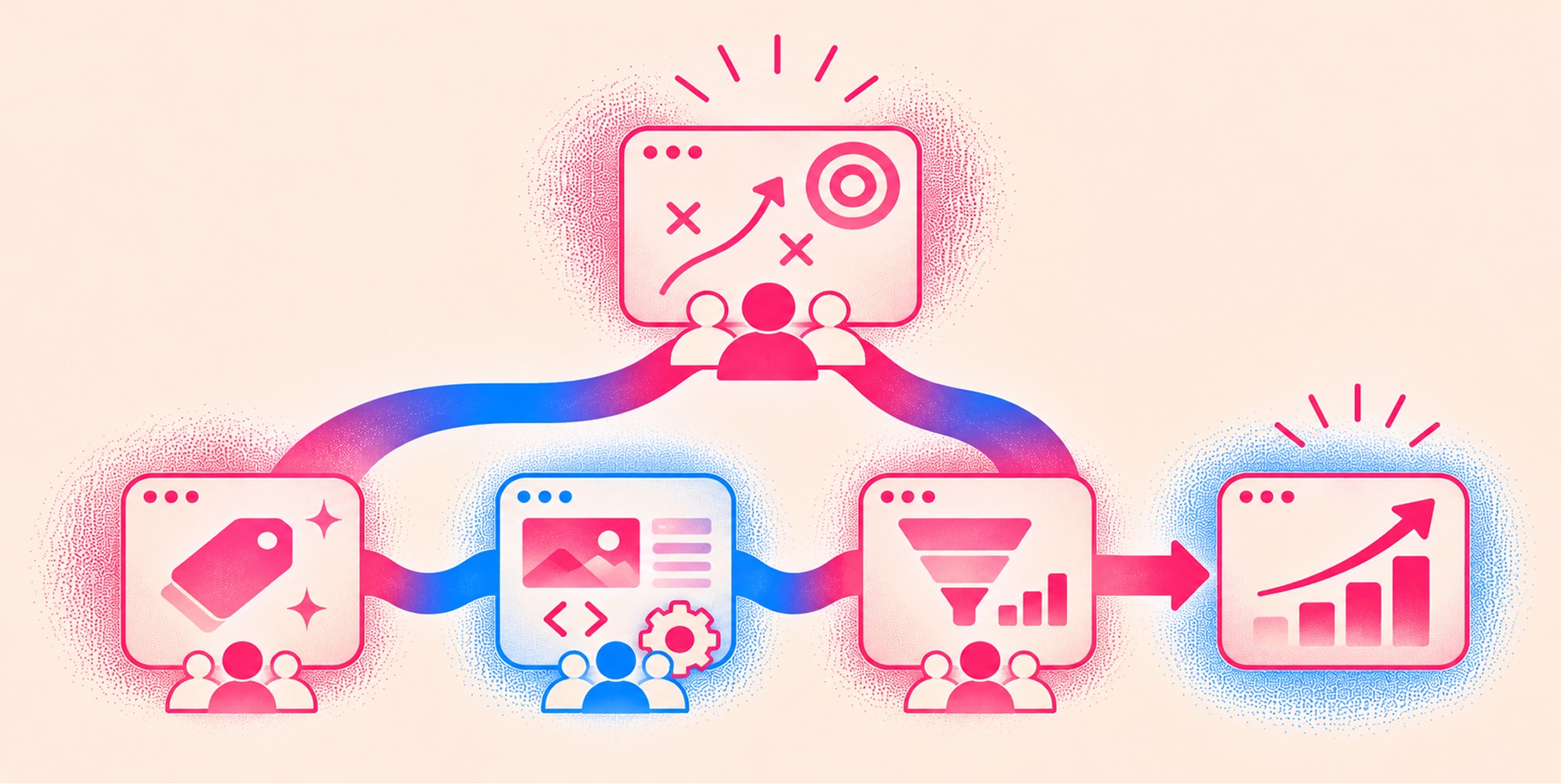
For a growth-stage company the question is not which platform has more SEO features. It is which one lets your team publish optimized pages quickly and consistently, then connect them to conversion. That is why we treat the website as part of a full-funnel growth system rather than a standalone build: the page has to rank, persuade and convert.
Security, hosting and uptime
WordPress.com includes managed hosting on every plan, with a CDN, SSL, DDoS protection, a web application firewall and malware detection, per its pricing page. Self-hosted WordPress puts those responsibilities on you or your host.
Webflow is hosted by default, so there is no server to patch, no core update to schedule and no plugin vulnerability queue. For a company where nobody on the marketing team wants to be the accidental sysadmin, that is a meaningful simplification.
Ecommerce, ownership and moving later
For commerce, WordPress pairs with WooCommerce, which stores product data in your own WordPress database. Webflow has native ecommerce, and for brands that want a dedicated storefront we also build Shopify and Webflow sites.
On portability, WordPress has a standard export: its WXR file carries posts, pages, custom post types, comments, custom fields, categories, tags and users. Webflow supports CSV export of products, variants and categories, and a well-planned content model makes any later move manageable. If you are coming from WordPress, our WordPress to Webflow migration guide covers redirects, URL structure and SEO preservation so rankings carry over.
- Content portability: Export sample CMS items, images, metadata and relational content before a decision. Confirm what cannot be moved automatically and what requires rebuilding.
- Operational ownership: WordPress self-hosting can offer broad infrastructure control, while Webflow delegates more hosting and platform operations to the vendor. Match the trade-off to your engineering capacity.
- Migration SEO: Map all valuable URLs, use permanent redirects for moved pages, update internal links and sitemaps, and monitor Search Console after launch. Migration planning reduces risk but cannot guarantee unchanged rankings.
Where HubSpot CMS fits
Treat HubSpot CMS as a third path, not a direct rival to the other two. HubSpot’s own materials describe its free CMS as including a theme library, drag-and-drop editor, hosting, custom domains and analytics with tight integration to its customer platform.
It fits when the CRM is the center of your operation and the site mainly feeds it. Search Engine Land notes that design is its toughest part, since few web designers specialize in its proprietary coding. If brand expression and design range matter to your growth plan, Webflow gives your designers more room, and it can still connect to your CRM through integrations.
Want to learn more about Website Design, Development and E-commerce? Keep reading!
If you need help with your company’s website and development, contact us for a free custom quote.
A simple decision framework
Ask these fourquestions before you commit:
- Who will publish and optimize pages weekly: marketers in a visual builder, or developers and publishers managing WordPress templates?
- What must the site do beyond marketing: editorial publishing, ecommerce, memberships, portals, highly customized data models or complex integrations?
- What is the real three-year budget: implementation, subscriptions, staff time, maintenance and expected platform upgrades?
- How important are portability and infrastructure control: must you own the hosting environment and underlying application code?
For most VC-backed SaaS companies, scale-ups and established brands refreshing their story, the answers point to Webflow. For larger organizations weighing governance and scale, our enterprise comparisons go further: Webflow vs WordPress for enterprise and, for SaaS content models, Webflow CMS vs headless CMS.
The mistake to avoid: choosing a platform before a strategy
Platform debates feel concrete, which is why teams have them first. But a site built on either platform underperforms when the positioning is vague, the messaging is generic or the conversion path was never designed.
Sequence the work this way:
- Confirm buyer segments, positioning, core conversion actions and the content model before choosing software.
- Map the website journeys, key page templates and integrations the growth team must operate.
- Score each platform against a written list of must-have capabilities, publishing ownership and risk constraints.
- Build a realistic three-year cost and resourcing estimate rather than comparing subscription headlines.
- Prototype a representative page and CMS workflow, then validate performance, accessibility and editorial usability.
- Plan redirects, analytics, SEO QA, staff training and a post-launch optimization owner before committing to a migration.
This is the logic behind what we call brand-backed performance™: brand and performance planned together so the site is built to produce measurable results.
Our perspective
We have seen the same pattern across growth-stage companies. The website becomes the bottleneck not because of the platform’s feature list, but because every change needs a ticket, a developer and a week.
That is why we build on Webflow. It lets brand, design and performance marketing work from the same canvas, so a new positioning, a new landing page or a conversion test can move from idea to live without a long queue.
The platform is only half the answer. The other half is a site designed around your buyer and measured against revenue. When strategy, creative, development and paid and retention channels are planned together, the site stops being a brochure and becomes a growth asset.
If you are choosing between platforms, start with who will run the site and what it needs to produce. The answer usually makes the platform decision easy.
- Quincy Samycia
Build it with a team that connects brand and performance
We provide website design, development and optimization alongside branding, paid media, content, retention and growth strategy, so the site is not built in isolation from the channels that feed it. Our services include Webflow development and Shopify websites, and you can see how engagements are structured on our services page.
If your team is weighing a platform move or a full repositioning, bring the goals and we will help map the site to them. Start at brandedagency.com.
Frequently Asked Questions
Is Webflow better than WordPress for SEO?
Webflow gives you native control over titles, meta data, redirects and structured data on clean code, with managed hosting behind it. That lets a marketing team publish optimized pages without assembling plugins. Rankings still depend on content quality, site speed and authority, whichever platform you use.
Is Webflow cheaper than WordPress?
It depends on the time frame. WordPress software is free, but hosting, premium plugins and maintenance add up over time, while Webflow bundles hosting into its site plans. Compare build, platform, add-ons and upkeep across three years, and check the live Webflow pricing page for current plans.
Should I choose HubSpot CMS instead?
HubSpot CMS makes sense when your CRM already runs in HubSpot and the site is a supporting channel. If design range and brand expression are priorities, Webflow gives your designers more freedom and still integrates with your marketing stack.
Can I move from WordPress to Webflow without losing rankings?
Yes, with planning. The key steps are mapping every old URL to a new one, setting 301 redirects, preserving metadata and content structure, and checking performance after launch. Our migration guide lays out the process.
Which platform is better for a SaaS company?
For most SaaS marketing sites, Webflow fits well: fast page iteration, strong design control and a CMS for blogs, case studies and resources. It lets growth and brand teams test messaging without engineering bandwidth.
Sources

Quincy Samycia
As entrepreneurs, they’ve built and scaled their own ventures from zero to millions. They’ve been in the trenches, navigating the chaos of high-growth phases, making the hard calls, and learning firsthand what actually moves the needle. That’s what makes us different—we don’t just “consult,” we know what it takes because we’ve done it ourselves.
Want to learn more about brand platform?
If you need help with your companies brand strategy and identity, contact us for a free custom quote.
We do great work. And get great results.
+2.3xIncrease in revenue YoY
+126%Increase in repurchase rate YoY




+93%Revenue growth in first 90 days
+144% Increase in attributed revenue




+91%Increase in conversion rate
+46%Increase in AOV



+200%Increase in conversion rate
+688%Increase in attributed revenue