Recover Search Traffic in 90 Days After a Website Migration
11/05/2026
Web Design
Learn how to protect your SEO rankings during a website migration, prevent costly traffic losses, and recover organic search visibility within 90 days.

Yes, you can migrate a website without losing your search visibility, but only if you treat redirects and staging parity as non-negotiable. A complete 1:1 redirect map paired with rigorous staging tests is the single biggest lever you control. Expect a monitoring window of 30 to 90 days, with most sites recovering their traffic trends by week four to eight. Follow the phased checklist below, and keep watching your data through the full 90 days.


Website Migration Checklist: The Four Phases That Matter



Most website migration failures trace back to the same root cause: someone skipped a step because the launch date felt more urgent than the QA process. We’ve organized the full site migration checklist into four phases, and each one has a job to do. Skip a phase, and you’re not saving time. You’re borrowing risk from your future self.
Phase 1: Pre-migration planning
Sitebulb’s migration research makes a compelling case that the gap between a smooth migration and one that tanks traffic comes down to how early SEO gets involved in the planning conversation.
- Inventory all existing URLs using a crawl, XML sitemap, analytics landing-page report and Search Console exports. Save top pages, ranking queries, backlinks and traffic baselines.
- Define what is changing: domain, CMS, hosting, URL patterns, content, navigation and templates. Assign SEO, development, content and analytics owners.
- Map each indexable old URL to a relevant final URL. Flag deleted, consolidated and high-revenue pages for manual review.
- Freeze essential metadata and content for priority pages where possible; document intentional changes so traffic shifts can be diagnosed later.
- Approve a rollback plan, launch date, QA owners and go/no-go criteria before development begins.
Phase 2: Build and test on staging
Your staging environment needs to mirror production closely enough that a test there actually predicts what happens live. Search Engine Land’s migration guidance is direct about this: staging has to be blocked from indexing and structurally identical to what you’re about to launch.
- Block staging from public discovery with authentication where feasible; do not rely on robots.txt alone to keep sensitive staging URLs private.
- Crawl staging and compare URL coverage, headings, titles, canonicals, internal links, structured data, image paths and language annotations against the approved plan.
- Test redirect rules against the old URL inventory: each permanent redirect should reach a relevant live 200-status destination without loops or avoidable chains.
- Confirm analytics, consent handling, forms, ecommerce events and conversion tags work with the existing measurement setup.
- Check mobile rendering, page speed, accessibility, key conversion journeys and server-side responses before signoff.
Pro Tip: Keep your GA4 property the same across the migration whenever possible. Spinning up a fresh property might feel like a clean start, but it also means losing your historical comparison data right when you need it most.
Phase 3: Launch day
Launch day is execution, not improvisation. If Phases 1 and 2 were done right, this phase should feel almost anticlimactic.
- Publish the approved site and switch on server-side permanent redirects at the planned cutover.
- Remove staging-only noindex rules from public pages, check robots.txt, and make sure self-referencing canonicals target the new live URLs.
- Submit the updated XML sitemap in Google Search Console and use Change of Address only when the migration changes domains or subdomains.
- Spot-check the homepage, priority organic landing pages, checkout or lead forms, analytics events and internal navigation on real devices.
- Log launch time, configuration changes, failed checks and responsible owners so issues can be traced and fixed quickly.
Phase 4: Post-launch monitoring
The work isn’t done when the site goes live. It’s just entering its most data-sensitive window.
- Days 1–7: check availability, redirect failures, indexing directives, Search Console coverage, conversion tracking and key URL performance daily.
- Days 8–30: compare organic clicks, impressions, landing pages and conversions against pre-migration and year-over-year baselines; fix high-value URL defects first.
- Days 31–60: recrawl the site, shorten redirect chains, update internal links and investigate pages that remain excluded or materially below baseline.
- Days 61–90: review segment-level recovery, remaining redirect hits, rankings, lead or order quality and Core Web Vitals; document unresolved issues and longer-term monitoring.
Free Brand Health Audit
Make sure your brand is built to sell
Search has changed. Your customers aren't just Googling anymore. They're asking ChatGPT, Perplexity, Gemini and other AI platforms what to buy, who to trust and which brands they should consider.
If your brand isn't showing up clearly in those answers, you're already losing opportunities. Our free Brand Health Audit shows you where your brand stands across traditional search, AI search and brand positioning.

Sample brand audit
Live preview
Traditional search
72
AI search (GEO)
34
Brand positioning
58
How Do You Build a Redirect Map That Actually Holds Up?
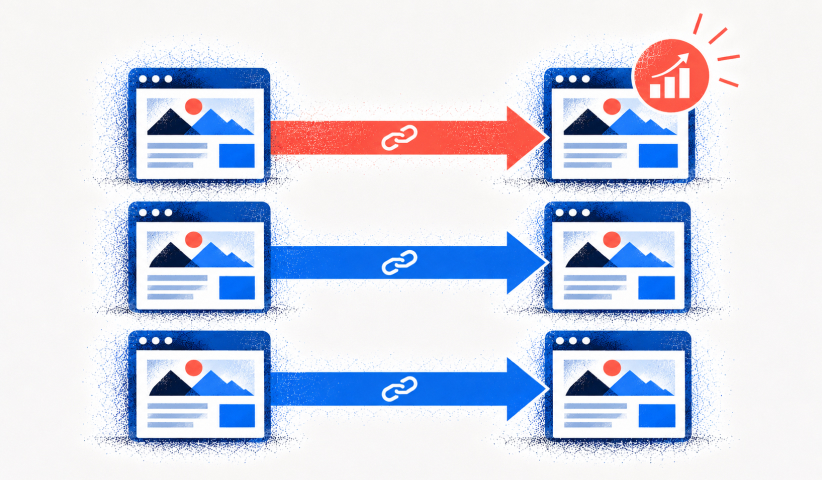
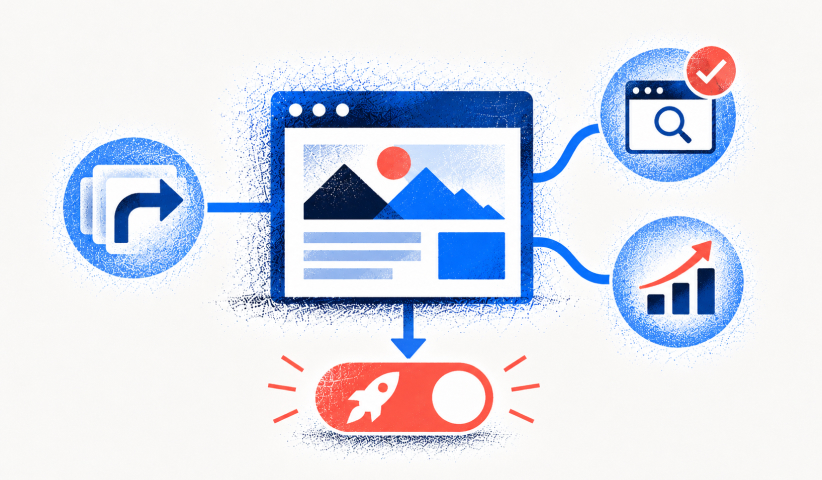

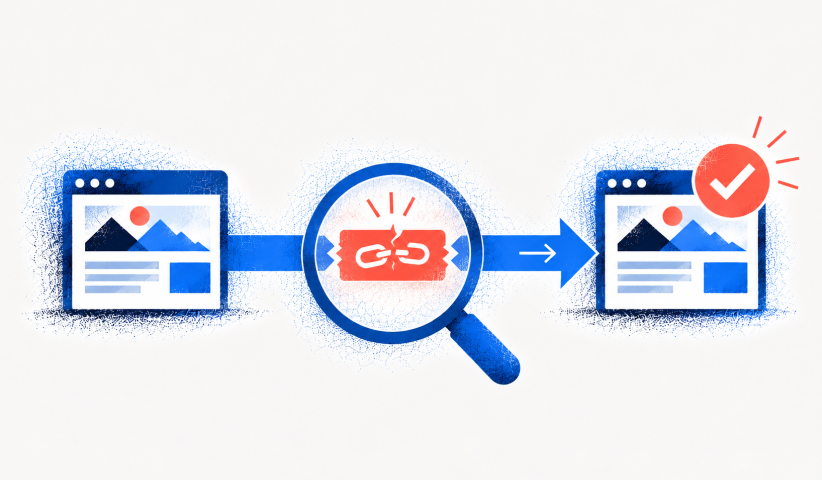
A spreadsheet with two columns, an old URL and a new URL, is not a redirect map. It’s a wish list. Every high-value page needs its own explicit 1:1 redirect, mapped to the page that most closely replaces its content and search intent. Catch-all redirects that funnel everything to your homepage are one of the fastest ways to tank your rankings, because they tell search engines that thousands of unique pages have all become one generic page.
Your redirect spreadsheet should include, at minimum:
- Old URL and its status code before migration, plus the intended new destination URL.
- Page type, canonical target, content intent and whether the destination is a direct equivalent, consolidation or retirement.
- Priority score based on organic clicks, conversions, backlinks, revenue and business importance.
- Redirect type and rule owner, staging test result, live status code and final resolving URL.
- Exception notes for unmatched URLs, removed pages, query parameters and URLs needing content updates.
For very large sites, a purely manual mapping process isn’t realistic. Pattern-based redirect rules for URL structures (category pages, product variants, blog tags) combined with manual review of your top 200 to 500 pages by traffic strikes a practical balance between coverage and engineering time.
Test every redirect with a crawler like Screaming Frog or Sitebulb before launch, then spot-test manually after. Keep old redirects live for at least 12 months. Search engines and stubborn old backlinks both take time to catch up. Reserve 404 or 410 responses only for pages you’re deliberately retiring with no replacement, never as a substitute for a redirect you didn’t get around to mapping.
Pro Tip: Run your redirect list through a log file analysis a few weeks post-launch. If old URLs are still pulling significant crawl activity, that’s your signal some redirects aren’t holding or some backlinks need direct outreach.
What Should You Check Before and Immediately After Launch?
Staging checks, in order:
- Confirm staging access controls and that public-indexing directives are correct for the environment.
- Run a full staging crawl and compare indexable URL counts, canonical tags, metadata, headings and internal linking.
- Test every redirect mapping to the final URL; identify redirect loops, chains, 404s, 5xx errors and soft-404-like mismatches.
- Validate sitemap content, hreflang (where applicable), structured data and image or media URLs.
- Test GA4, Search Console setup, lead forms, purchases, consent mode and important user journeys; review Core Web Vitals and mobile rendering.
Launch-day checks:
- Confirm DNS, SSL, CDN, hosting and cache settings are correct, then test 200 responses for key public pages.
- Turn on permanent redirects and verify that top old URLs lead to relevant live pages in a single hop wherever possible.
- Check that live robots rules permit crawling and that canonical tags, internal links and XML sitemaps use final URLs.
- For domain moves, verify both Search Console properties and submit the Change of Address request when applicable.
- Run a fresh crawl and manually complete the main conversion journeys; capture a launch-day benchmark report.
On the infrastructure side, lower your DNS TTL before launch, verify your CDN’s edge routing points to the new origin, and force a cache invalidation so visitors aren’t served stale content from the old site.
Want to learn more about Website Design, Development and E-commerce? Keep reading!
If you need help with your company’s website and development, contact us for a free custom quote.
What Happens to Your Traffic in the First 90 Days?

Check Search Console and analytics daily during week one, then shift to weekly reviews through day 90. Watch organic sessions, your top landing pages, index coverage status, redirect-driven traffic, server error rates, and Core Web Vitals side by side against your baseline.
Recovery timelines depend heavily on what kind of migration you ran. Redesigns and platform swaps typically stabilize within four to eight weeks, while domain changes tend to take longer because search engines have to fully re-associate your backlink profile and trust signals with a new address. Some slow-burn issues don’t surface immediately either. Monitoring research suggests problems often appear between weeks two and six rather than in the first 48 hours, which is exactly why a 90-day window, not a 90-hour one, is the honest standard.
If something looks off, work through this order:
- Separate migration effects from seasonality, demand changes and known search updates using comparable periods in Search Console.
- Check whether the drop is sitewide or limited to a page type, directory, device or country; prioritize high-value affected URLs.
- Inspect indexing and crawling: robots.txt, noindex, canonical selection, HTTP errors, server availability and sitemap inclusion.
- Test old-to-new redirects for relevance, loops and chains; make sure important backlinks still resolve to the intended content.
- Compare the migrated content with the former page: intent, copy, titles, headings, structured data and internal link prominence.
- Verify GA4 tagging and conversions before concluding that lost sessions represent lost organic visibility.
- Assign fixes, rerun affected crawls and track results weekly. Escalate substantial, persistent drops rather than waiting for day 90.
Common Website Migration Mistakes and How to Prevent Them
Most of the expensive migration failures we’ve seen weren’t caused by exotic technical problems. They came from ordinary shortcuts taken under deadline pressure.
- Mistake: Redirecting many unrelated pages to the homepage. Fix: map each retained page to the closest equivalent and return 404 or 410 only for truly retired content.
- Mistake: Shipping staging noindex or restrictive robots directives. Fix: audit live crawl and indexing rules immediately at cutover.
- Mistake: Changing domain, CMS, content and information architecture simultaneously without a record. Fix: document planned changes, preserve valuable content and phase risky work when practical.
- Mistake: Forgetting internal links and canonicals. Fix: update templates and navigation to final URLs rather than relying on redirects.
- Mistake: Rebuilding analytics during migration. Fix: retain reporting continuity and validate event tracking before launch.
- Mistake: Declaring success after 48 hours. Fix: monitor URLs, visibility and conversions beyond launch, with a named owner and documented escalation process.
Our approach to website migration
We treat every migration as a project with named accountability, not a checklist someone runs solo the night before launch. SEO, development, content, and analytics each get an owner, and each phase requires a signoff before the next one starts. That gate matters more than people expect. It’s the difference between catching a broken canonical tag on staging and discovering it three weeks post-launch through a ranking drop.
We also score pages by priority and sensitivity before QA even begins, so the highest-traffic and highest-revenue pages get the most scrutiny, not an equal share of attention across a thousand URLs.
A typical engagement runs through four stages: audit, plan, execution, and a 90-day stabilization window where we’re still watching the data long after most agencies have moved on to the next project.
Managing a Migration Without Losing Momentum
The Branded Agency approaches a strategic website development engagement the same way we approach a migration: assign clear ownership, protect what’s already working, and build toward measurable growth from day one.
Whether you choose to run a migration internally or bring in outside expertise, services are typically available covering the full process—from SEO migration audits and redirect mapping through replatforming support and 90-day post-launch monitoring. A comprehensive engagement generally starts with an audit of the current site’s structure and backlink profile, moves into a redirect and content plan tailored to the platform, and continues through execution and stabilization to ensure a thorough handoff. This structure acknowledges that migrations often fail not at launch, but in the subsequent weeks when monitoring lapses.
If your team is planning a replatform, a redesign, or a domain change in the next quarter, start a conversation about your website development before you lock in a launch date. The earlier we’re involved, the fewer surprises you’ll be troubleshooting in week six.
Frequently Asked Questions

How long does SEO recovery take after a website migration?
There is no guaranteed deadline. Small or medium sites may settle within several weeks, while large URL or domain changes can take longer. Use the first 90 days as a structured monitoring window, not a promise of full recovery.
Do I need a 301 redirect for every old URL?
Every old URL with a relevant replacement should have a direct permanent redirect, typically a 301 or 308. Avoid redirecting unrelated pages to the homepage. Retired pages without a meaningful replacement can return 404 or 410.
How long should website migration redirects stay active?
Google recommends keeping redirects for as long as possible, generally at least one year. Keeping them longer can help users and older backlinks; update your own internal links to point directly to the final URLs.
Should I change my Google Analytics 4 property during a website migration?
Usually keep the existing GA4 property so you retain meaningful historical comparisons. Validate tracking IDs, events, conversions and consent settings before and after launch.
What should I monitor during the first 30 days after migration?
Watch Search Console clicks and impressions, indexing errors, crawl availability, redirect results, key organic landing pages and business conversions. Segment by page group and compare against a pre-migration baseline.
Why did organic traffic drop after my migration?
Common causes include broken or irrelevant redirects, accidental noindex settings, missing content, changed canonicals, weaker internal links, server errors or analytics misconfiguration. Compare affected URLs and crawl data before assuming the loss is permanent.
Do I need to use Google Search Console Change of Address?
Use it for qualifying domain or subdomain changes. You do not need it for URL-path changes within the same domain or for an HTTP-to-HTTPS move. Follow Google’s documentation for the exact requirements.
Sources
- Google Search Central, Site moves with URL changes: https://developers.google.com/search/docs/crawling-indexing/site-move-with-url-changes
- Google Search Central, Debugging Search traffic drops: https://developers.google.com/search/docs/monitor-debug/debugging-search-traffic-drops
- Screaming Frog, Internal redirect chains: https://www.screamingfrog.co.uk/seo-spider/issues/response-codes/internal-redirect-chains/
- Google Search Central, Redirects and Google Search: https://developers.google.com/search/docs/crawling-indexing/301-redirects
- Google Search Central, Search Console overview: https://search.google.com/search-console/about

Quincy Samycia
As entrepreneurs, they’ve built and scaled their own ventures from zero to millions. They’ve been in the trenches, navigating the chaos of high-growth phases, making the hard calls, and learning firsthand what actually moves the needle. That’s what makes us different—we don’t just “consult,” we know what it takes because we’ve done it ourselves.
Want to learn more about brand platform?
If you need help with your companies brand strategy and identity, contact us for a free custom quote.
We do great work. And get great results.
+2.3xIncrease in revenue YoY
+126%Increase in repurchase rate YoY




+93%Revenue growth in first 90 days
+144% Increase in attributed revenue




+91%Increase in conversion rate
+46%Increase in AOV




+200%Increase in conversion rate
+688%Increase in attributed revenue