Drive Activation with Onboarding Email Flows
10/30/2026
Marketing Services
Learn how to create onboarding email flows that guide new users to activation, reduce drop-off, and improve long-term retention.
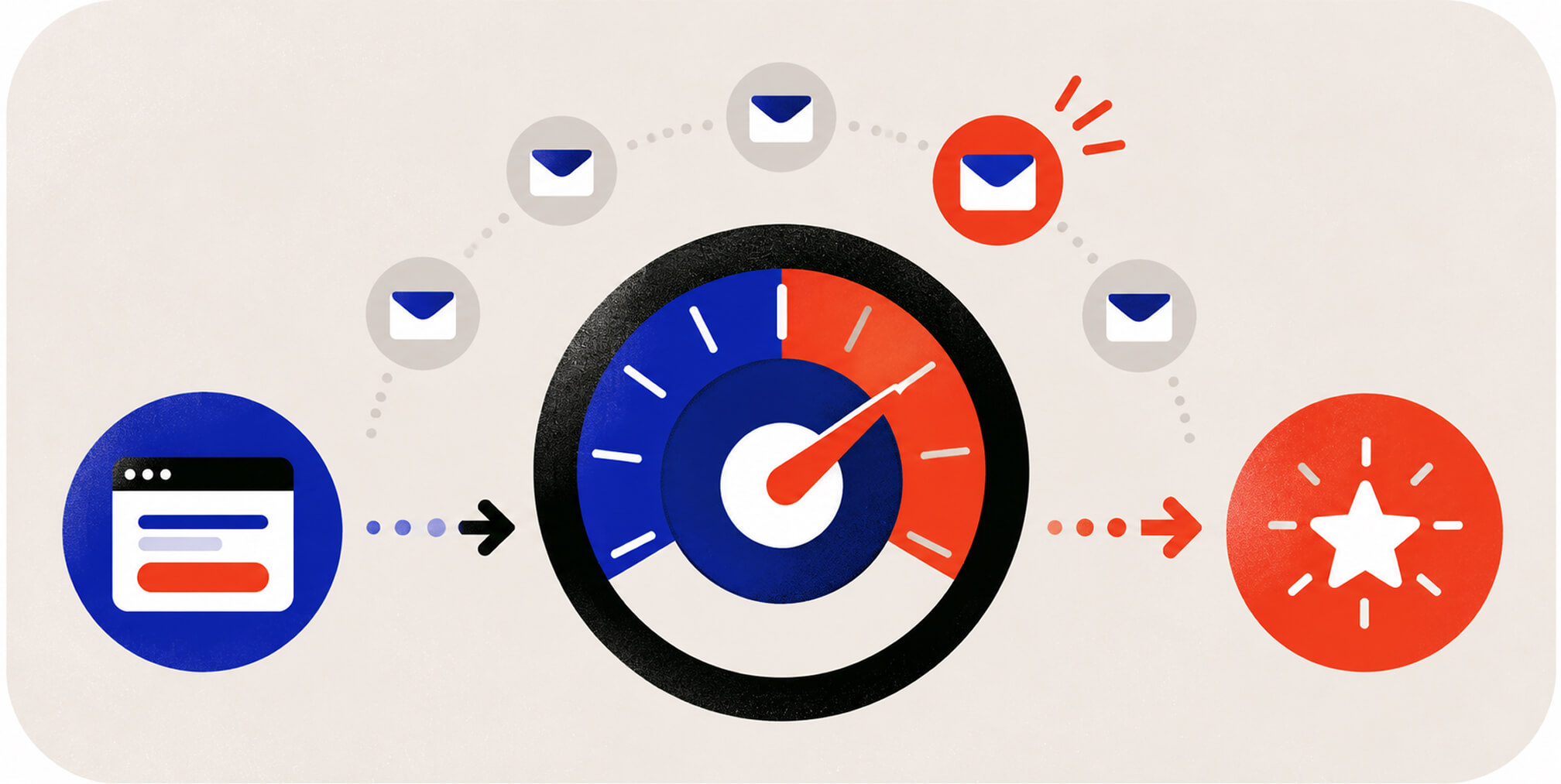
The one rule that governs every effective onboarding email flow: send one primary call to action per email, aimed at the user’s next step toward first value. Everything else, sequence length, timing, personalization, exists to support that rule. The structural pattern that wins is milestone driven, behavior triggered, and suppression aware, with Email-to-Activation Rate as the metric that tells you whether it’s working.


What Makes an Onboarding Email Flow Actually Work?

An onboarding email flow is the automated sequence of messages a new user receives between signup and the moment they experience real value in your product, what most teams call the first value moment, or FVM. Get the architecture right, and the rest, subject lines, design polish, send times, becomes optimization. Get it wrong, and no amount of clever copy saves it.
Start by identifying the FVM itself. For a project management tool, that might be creating a first task and inviting a teammate. For a fintech app, it could be linking a bank account and completing a transaction. Map one to three milestones between signup and that moment, no more. Teams that try to celebrate every micro-action end up with bloated sequences that train users to ignore email entirely.
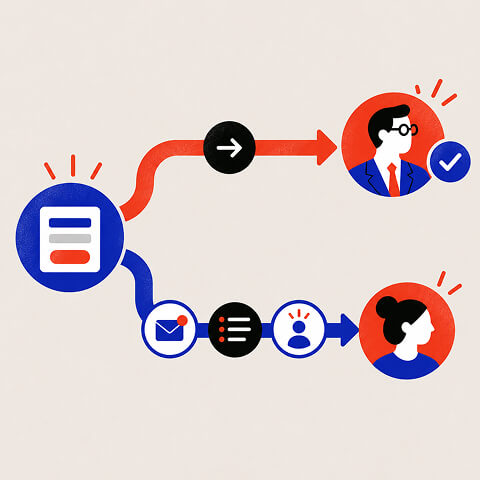
Segmentation matters here in a way most flows ignore. Accounts with multiple stakeholders need parallel tracks: a short, result-focused path for the decision-maker who signed the contract, and a fuller, task-focused path for the end-user actually logging in daily. Sending the same generic sequence to both wastes the decision-maker’s attention and underserves the end-user’s need for tactical guidance.
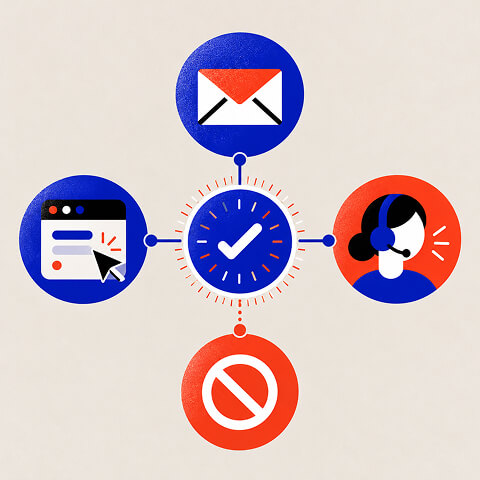
Channel responsibility is the next decision point:
• In-app guidance: show contextual prompts where the action happens, especially for setup steps users can complete immediately.
• Email: bring inactive users back to one unfinished milestone and link directly to the relevant product screen.
• Human support or customer success: handle blockers that require reassurance, account configuration, or a multi-stakeholder decision.
• Suppression: stop reminders as soon as product events confirm the milestone is complete.
That last point deserves emphasis. A SaaS onboarding email strategy built around milestones naturally lands at three to six messages, because that’s usually how many meaningful steps stand between signup and habitual use, not because a template pack said so.
Ready-to-Use Onboarding Sequences and Templates
A behavior-triggered sequence beats a calendar drip because it responds to what the user actually does. Here’s a working structure you can adapt directly into your ESP:
• Email 1, immediately after signup: welcome the user, explain the first value moment, and link to the first setup action. Suppress once that action is complete.
• Email 2, about one day later if setup is incomplete: explain the single next action and remove unnecessary steps. Skip this message for users who have progressed.
• Email 3, around day three if a key milestone is missing: show a short example or walkthrough specific to that obstacle.
• Email 4, after a first milestone is completed: acknowledge progress and invite the next meaningful action. Trigger on the completion event, not a fixed day.
• Email 5, around days five to seven for still-inactive users: answer a common objection or offer direct assistance with one CTA.
• Email 6, around days ten to fourteen only where relevant: offer a final useful setup resource or support path, then transition the user to an appropriate lifecycle segment.
For setups requiring several configuration steps, a checklist-driven sequence works better than pure behavior triggers. Build three to five checklist items, branch each unfinished item into its own reminder, and suppress any item the user has already completed. That branching logic is what separates a sequence that respects the user’s time from one that spams a finished setup.
A practical template bank to build from:
• Welcome: Subject: "Your first step in [Product]". Body: "You’re in. Start by [specific action] so you can [clear outcome]." CTA: "Complete [action]".
• Incomplete setup: Subject: "Finish connecting [feature]". Body: "One step remains before you can [first value]. Here’s the fastest way to finish." CTA: "Finish setup".
• Milestone reached: Subject: "You’ve completed [milestone]". Body: "Nice progress. Next, [specific action] helps you [next benefit]." CTA: "Take the next step".
• Inactive user: Subject: "Need help with [task]?". Body: "If [task] is blocking you, this short walkthrough will help." CTA: "View the walkthrough".
Subject lines that test well tend to name the specific action (“Finish connecting your first project”) rather than generic encouragement (“You’re almost there!”). CTAs should use a single, high-contrast button rather than multiple text links competing for the same click.
Free Brand Health Audit
Make sure your brand is built to sell
Search has changed. Your customers aren't just Googling anymore. They're asking ChatGPT, Perplexity, Gemini and other AI platforms what to buy, who to trust and which brands they should consider.
If your brand isn't showing up clearly in those answers, you're already losing opportunities. Our free Brand Health Audit shows you where your brand stands across traditional search, AI search and brand positioning.

Sample brand audit
Live preview
Traditional search
72
AI search (GEO)
34
Brand positioning
58
How Often Should You Send Onboarding Emails?
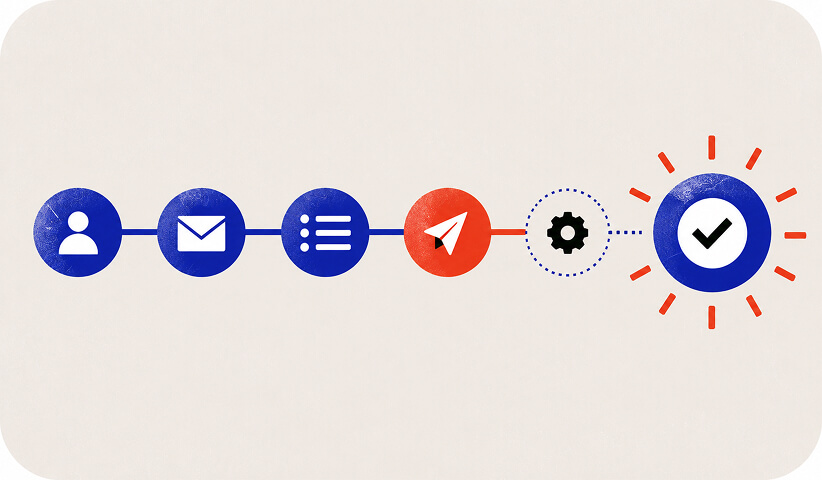
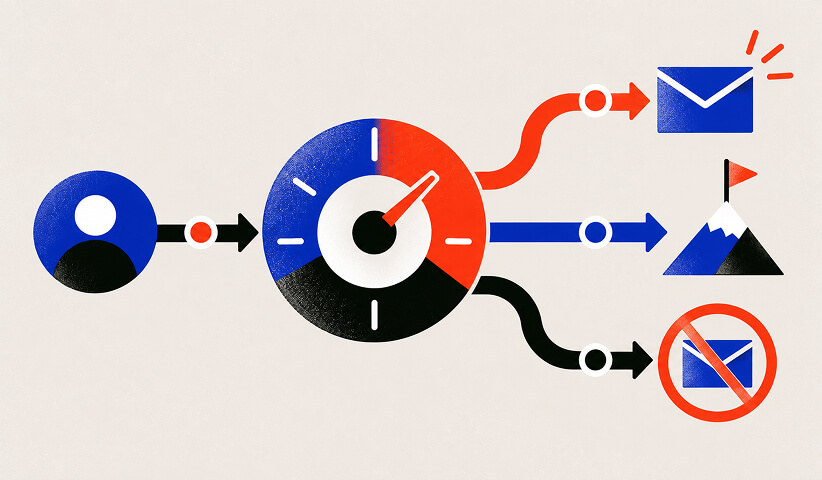
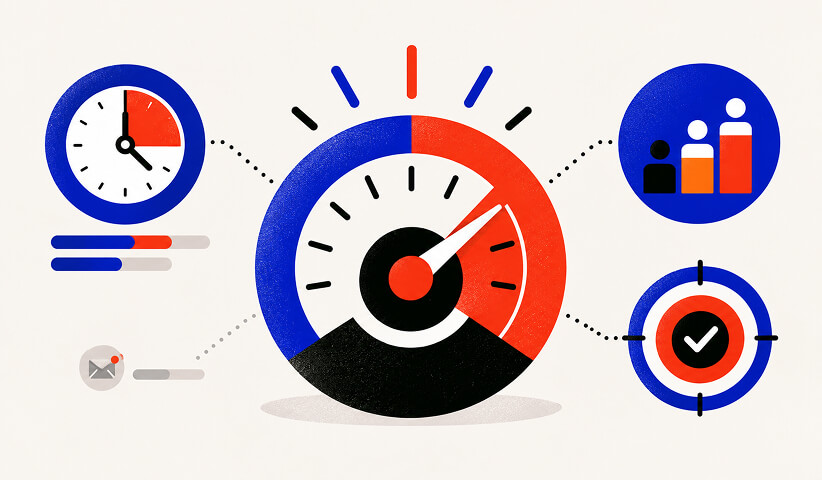

A reasonable starting benchmark is four to six emails spread across seven to fourteen days, then adjusted based on how quickly users hit milestones rather than sticking to a fixed calendar. B2C products with fast setup often compress that window to three to five days. B2B products with longer sales cycles and multiple stakeholders can stretch it past two weeks without losing momentum, provided each message ties to an actual behavior or milestone.
Send-window choices matter more than most teams assume. B2B audiences respond better to weekday mornings in the recipient’s working hours; B2C audiences are often more receptive to weekend sends, particularly for consumer apps used outside work hours. Test both before assuming your audience matches the conventional wisdom.
Protecting sender health has to run in parallel with all of this:
• Send only to opted-in or otherwise appropriately authorized recipients, and respect unsubscribe and regional marketing consent requirements.
• Use SPF, DKIM, and DMARC where applicable; monitor bounces, spam complaints, and delivery failures.
• Cap onboarding frequency when users also receive transactional notices, sales outreach, or product announcements.
• Exclude activated users and users who complete a step before send time; avoid stale reminders.
• Review results by signup cohort and audience segment rather than assuming one send window works universally.
The immediate welcome email is non-negotiable. Send it within minutes of signup, while intent is highest, then space follow-ups around actual behavior rather than a rigid daily cadence.
Triggers, Branching, and Suppression Logic
The technical backbone of a milestone-driven flow is a small set of canonical triggers your ESP and product analytics both understand:
• signup_completed: enter the welcome track and record the signup timestamp and user or account identifier.
• setup_step_completed: remove the relevant reminder and evaluate the next unfinished step.
• first_value_reached: stop activation reminders and move the user to adoption or retention messaging.
• inactive_for_defined_window: trigger a targeted nudge only when the user has not reached the required milestone.
• support_request_opened: pause promotional setup reminders while the blocker is being resolved.
• unsubscribe or consent_withdrawn: stop all nonessential marketing sends immediately.
Trigger-based sequences that fire on user behavior outperform calendar-only drips precisely because they avoid sending irrelevant asks to users who have already moved past that stage. That’s the entire argument for suppression logic: an active user does not need a “getting started” reminder, and sending one anyway erodes trust in every future email you send.
Measuring suppression accuracy means checking, on a regular cadence, what percentage of sent onboarding emails went to users who had already completed the relevant milestone before the send. A marketing automation checklist is a useful reference for auditing whether your triggers and suppression rules are actually wired correctly before launch.
Channel coordination follows the same logic: suppress email nudges for users currently active in-app, and reserve email for users who have gone quiet. The hard part is almost never strategy, it’s plumbing. You need a reliable connection between your ESP and your product analytics so that an event fired in-product actually suppresses or triggers the right email within a reasonable window.
Catching a broken trigger early costs you an afternoon; catching it three months in costs you a quarter of damaged trust.
How Do You Measure Whether Onboarding Emails Work?
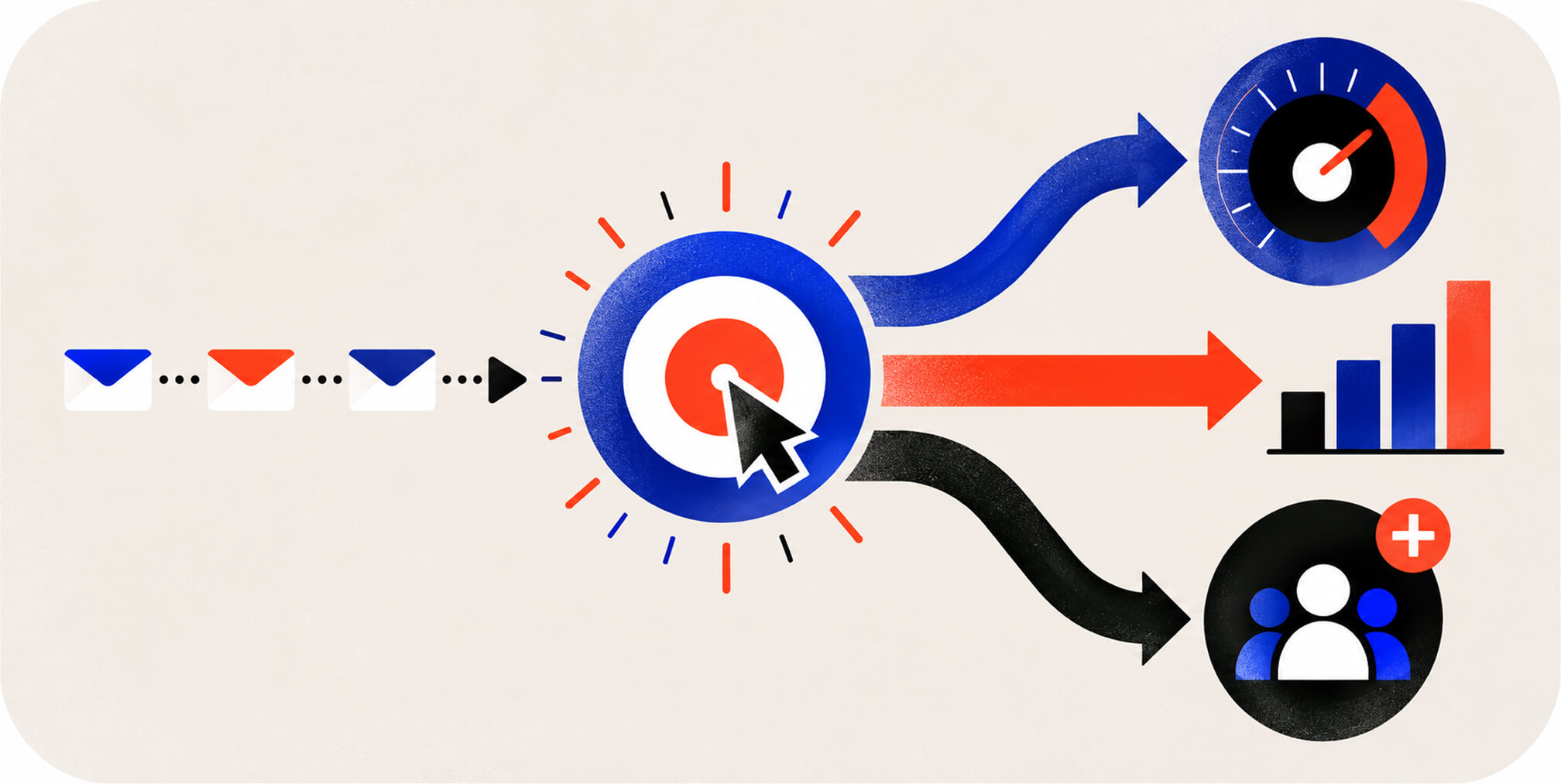
Email-to-Activation Rate is the percentage of recipients who complete your defined activation event within a set window after receiving a specific onboarding email. Calculating it requires joining ESP send logs with product analytics events, matching each send to whether the recipient’s account crossed the activation threshold afterward. Without that join, you’re measuring opens and clicks, numbers that feel productive but don’t tell you whether the email moved anyone toward real usage.
Four metrics matter more than open rate here: activation rate itself, time-to-first-value, cohort decay curves (how activation rate for a given signup cohort changes as the sequence progresses), and suppression accuracy. A cohort decay curve that drops sharply after a specific email in the sequence is a strong signal that message is doing harm, not good, and should be cut or rewritten rather than defended.
A shared experiment log makes iteration visible: document each sequence version, its trigger and audience, the test window, the activation result, and the decision to keep, revise, or retire it. This provides real lessons without relying on open rates alone.
Worthwhile experiments include trigger-based sends versus calendar-based drips, single-CTA versus multi-CTA layouts, subject-line variants tied to specific actions, and branching rule changes tested against a holdout group. Research on choice overload backs a consistent finding across these tests: fewer competing options in a single message tends to produce more completed actions, not fewer.
Want to learn more about brand platforms, Brand Strategy and Brand Identity? Keep reading!
If you need help with your companies brand strategy and identity, contact us for a free custom quote.
Common Onboarding Email Mistakes and How to Fix Them

Most broken onboarding flows share a small set of recurring problems.
• Mistake: sending fixed reminders after setup is finished. Fix: suppress each email using the latest product event and check event-to-ESP latency.
• Mistake: adding several competing CTAs. Fix: choose the one next action most directly connected to first value.
• Mistake: using identical content for admins and end users. Fix: segment by role and milestone responsibility.
• Mistake: optimizing subject lines only. Fix: measure activation and time-to-first-value by send cohort.
• Mistake: sending too frequently. Fix: apply contact frequency caps and prioritize urgent account messages.
• Mistake: ending communication at activation. Fix: hand activated accounts into adoption, retention, or expansion flows.
Lifecycle data backs the milestone-first framing here: nearly half of all lifecycle emails focus on education and engagement rather than initial onboarding, and feature-usage nudges are the most common email type overall. Onboarding is the opening chapter, not the whole book. Plan your post-onboarding lifecycle emails before you finish building the first sequence, or you’ll ship a flow that stops the moment users need you most.
Our Onboarding Email Audit Checklist
When The Branded Agency audits a client’s onboarding flow, we run through the same short list every time: are milestones clearly mapped, are triggers firing on real behavior instead of the calendar, is suppression logic actually preventing wasted sends, is deliverability protected through proper warmup, and is activation being measured through real event attribution rather than opens.
• Define the first value moment using an observable product event, and agree on its owner and measurement window.
• Verify event names, user identifiers, and account-to-contact joins between product analytics and the ESP.
• Test every entry, branch, exit, suppression, unsubscribe, and fallback with sample accounts.
• Check mobile rendering, link destinations, accessibility, and brand voice before enabling the sequence.
• Track activation, time-to-first-value, deliverability, and incorrect-send rate weekly during the pilot.
• Set a monthly review owner and update the sequence when product onboarding steps change.
Brand-backed messaging fits into this without adding friction. Every subject line and CTA should sound like your product, not like a generic automation vendor. A tight, milestone-mapped flow with three well-branched messages consistently outperforms a twelve-email sequence built on guesswork.
Get Your Onboarding Flow Built Right the First Time
The Branded Agency treats onboarding as revenue infrastructure, not a “set it and forget it” drip campaign, and that distinction shows up in how we scope engagements. Instead of handing you a template pack and walking away, our retention marketing team maps your actual product milestones, builds the trigger logic between your ESP and product analytics, and measures Email-to-Activation Rate from week one so you know exactly which messages are earning their place in the sequence.
A typical engagement starts with an onboarding audit: we review your current flow (if you have one), identify where suppression logic is missing or milestones are misaligned, and map a revised sequence built around your real first value moment. From there, our team can build and manage the full sequence as part of a broader managed email marketing engagement, or hand you a ready-to-implement flow your team runs internally.
Retention Marketing engagements start from $6,500 per month, detailed on our pricing page. If your product needs deeper platform work alongside the email build, our Shopify and Webflow development teams can handle the integration side too. Reach out for an onboarding audit and see exactly where your current sequence is losing activated users.
Frequently Asked Questions
What Are the Five Stages of the Onboarding Process?
Most onboarding processes move through signup, activation (reaching first value), habit formation, retention, and expansion or advocacy. Onboarding email flows primarily target the first two stages, signup through activation, while post-onboarding lifecycle emails take over for habit formation and retention.
Can You Give Examples of Onboarding Emails?
A strong example set includes a Day 0 welcome email with one CTA, a Day 3 behavior-triggered check-in for users who haven’t logged in, and a milestone celebration email fired the moment a user completes their first key action. Userpilot’s onboarding email guidance shows several real templates built around single-CTA structure and in-product personalization.
What Is the 30/30/50 Rule for Cold Emails?
It doesn’t directly govern onboarding sequences, which rely instead on milestone mapping and behavioral triggers rather than cold-outreach copywriting ratios.
What Is an Onboarding Flow?
An onboarding flow is the connected sequence of emails, in-app messages, or both that guides a new user from signup toward their first meaningful use of a product. The strongest flows are milestone-driven and behavior-triggered rather than fixed to a calendar, which lets trigger-based sequences suppress irrelevant messages for users who are already active.
How Many Onboarding Emails Should a Sequence Include?
Most effective sequences run four to six emails across seven to fourteen days as a starting benchmark, then adjust based on how many real milestones sit between signup and activation. The right number depends on milestones, not templates, so a product with two clear setup steps needs a shorter sequence than one with five.

Quincy Samycia
As entrepreneurs, they’ve built and scaled their own ventures from zero to millions. They’ve been in the trenches, navigating the chaos of high-growth phases, making the hard calls, and learning firsthand what actually moves the needle. That’s what makes us different—we don’t just “consult,” we know what it takes because we’ve done it ourselves.
Want to learn more about brand platform?
If you need help with your companies brand strategy and identity, contact us for a free custom quote.
We do great work. And get great results.
+2.3xIncrease in revenue YoY
+126%Increase in repurchase rate YoY



+93%Revenue growth in first 90 days
+144% Increase in attributed revenue




+91%Increase in conversion rate
+46%Increase in AOV



+200%Increase in conversion rate
+688%Increase in attributed revenue